Set-up
Technology
Players, formats, security and AI: articles on the technology behind the screen and how it is run.
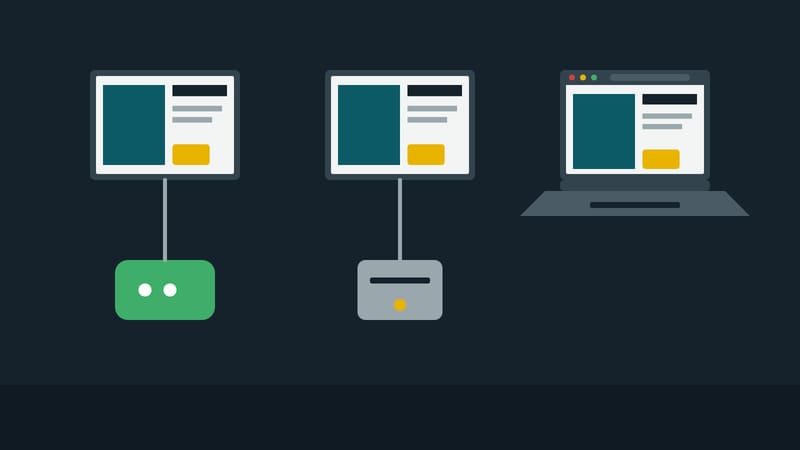
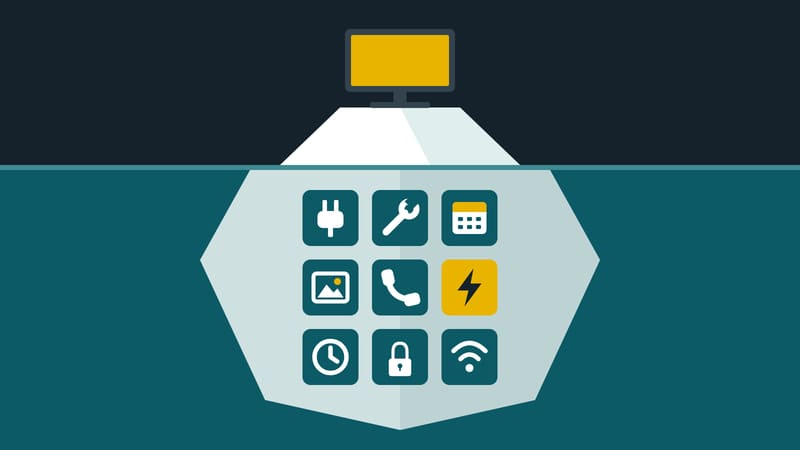
Behind every screen there is a playback device, a management system and a plan of what runs when. This page collects articles on the technology behind it: which players and displays suit which use, how content is prepared for format and screen, and how operation stays stable.
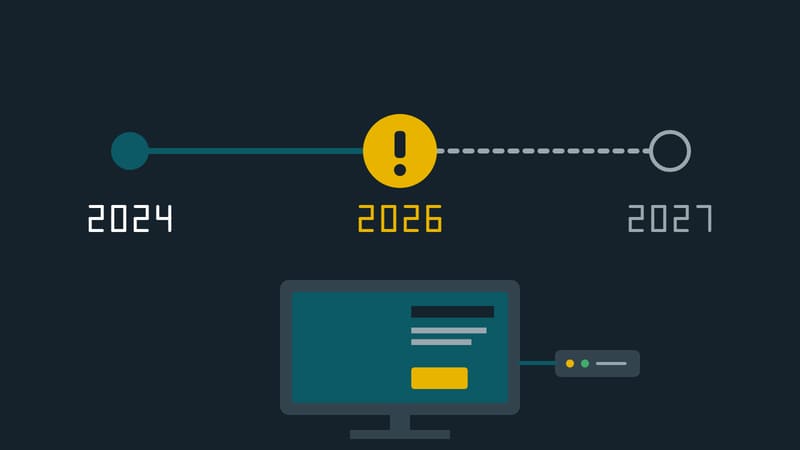
One focus is security. The EU Cyber Resilience Act places new obligations on manufacturers of connected devices, and operators should know what that means for their players.
Directly below are three articles to get started, followed by all articles sorted by topic.
Where to start
Articles by topic
Players and displays
Formats and content
Operations and monitoring
Security and the Cyber Resilience Act
Terms on this topic
- Advertising creative
- Alerting
- Ambient light sensor
- Android player
- Aspect ratio
- Bit rate
- Cache
- CE marking
- Cyber Resilience Act
- Data volume
- End of support
- File size
- Heartbeat
- High-brightness display
- Idle screen content
- Initial setup
- Kiosk mode
- Layout
- Manufacturer
- Media player
- Mini PC
- Mobile network
- Monitoring
- Nits
- Offline operation
- Portrait and landscape
- Power consumption
- Pre-download
- Preview
- Professional display
- Rated operating hours
- Remote management
- Remote restart
- Remote screenshot
- Resolution
- Security update
- SoC display
- Software licence
- Totem
- Touchscreen
- Video format
- Vulnerability reporting
- Watchdog
- Windows player
All articles in Technology
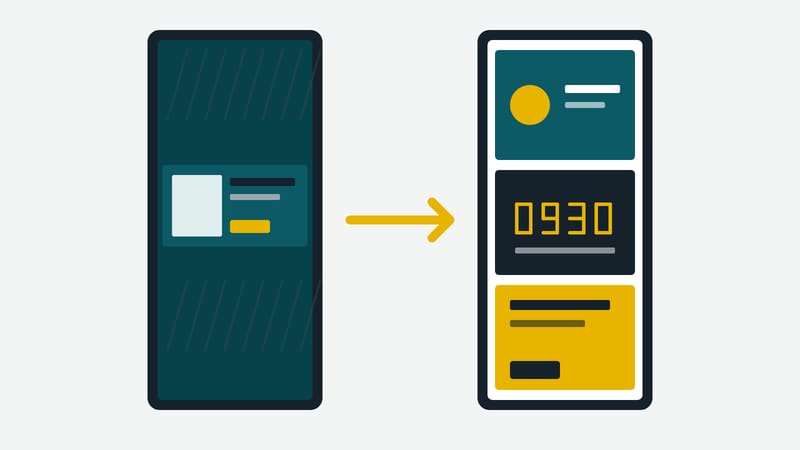
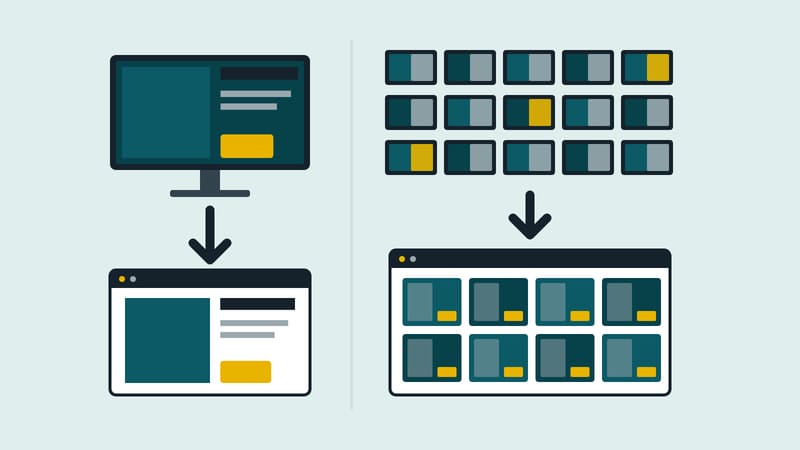
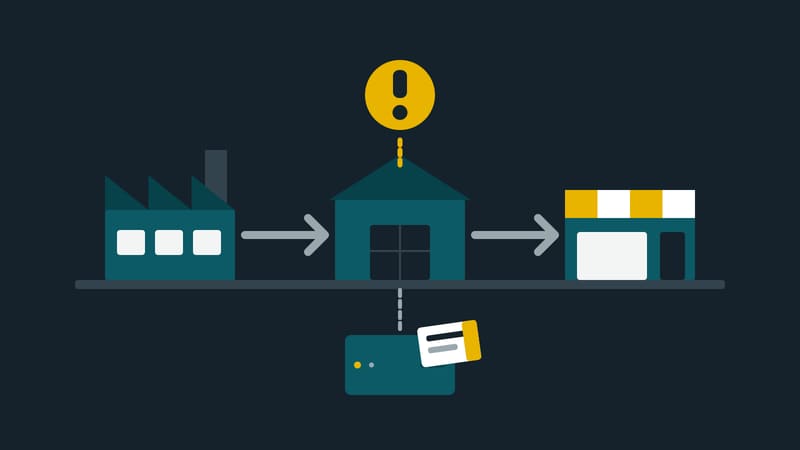
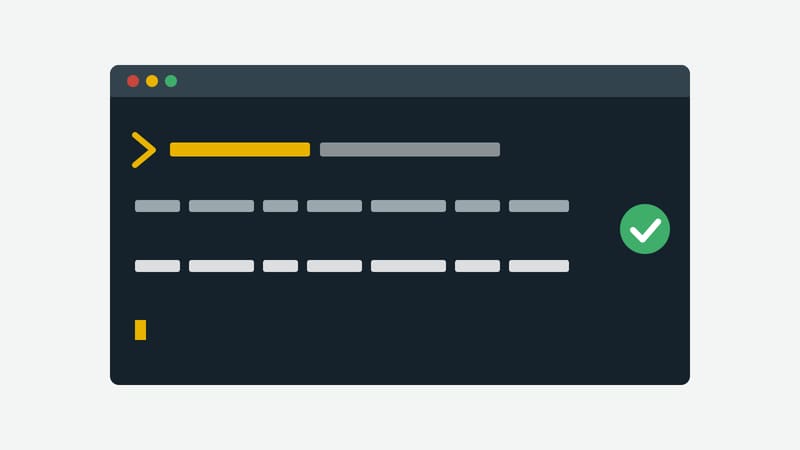
Read and put in contextSoC or media PC
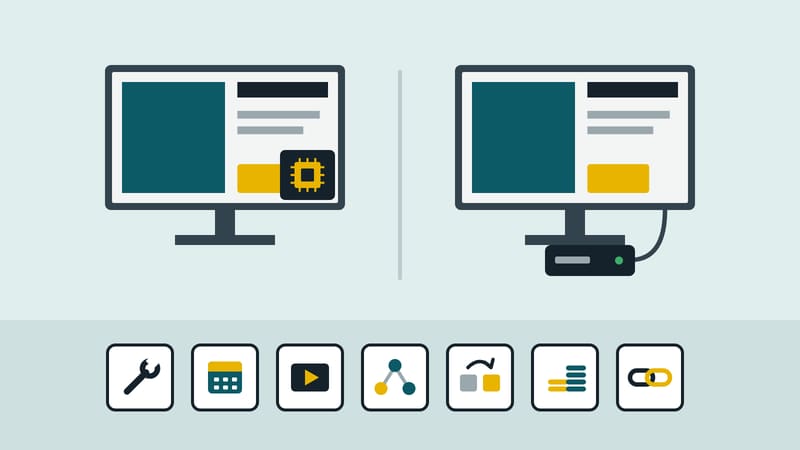
Digital signage player SoC or media PC: what to check
Read and put in contextCyber Resilience Act
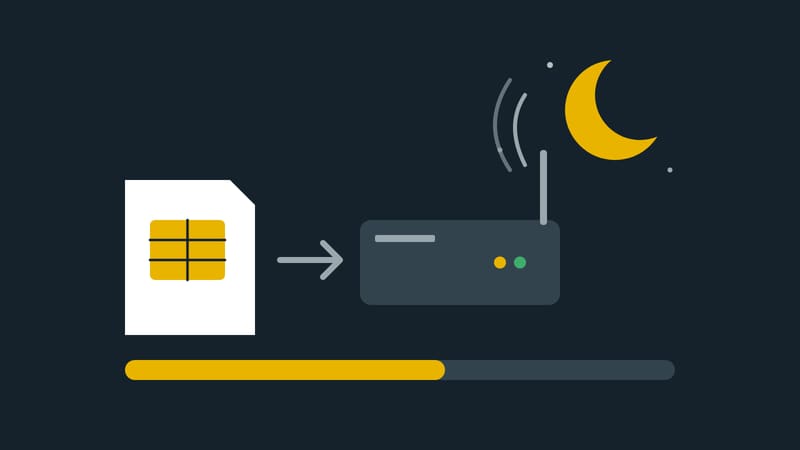
Cyber Resilience Act: what 29 percent means for operators
Players compared
Android, Windows or browser: which player suits which screen

These are all the articles in this section.