RetailThrough the year
Black Friday on screen: what works, what causes trouble
On 27 November 2026 retailers cut prices. What a screen in the shop should watch: end of the promotion, an honest reference price, a legible price.
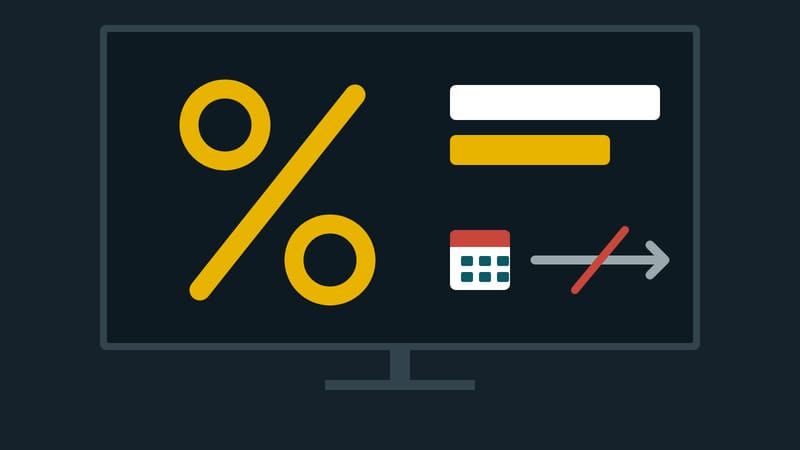
Friday 27 November 2026 is Black Friday. The name describes a trade custom, not a legal term, and some shops turn it into more than one day. On a screen in the shop it quickly turns into a poster: big percentage figure, black background, yellow type. That can look good. It can also cause trouble if price information is missing or wrong.
Three rules for prices on screen
This article summarises the German Price Indication Ordinance (PAngV). It is not legal advice.
1. Total price. Anyone advertising with prices to consumers must state the total prices (section 3(1)), that is, including VAT.
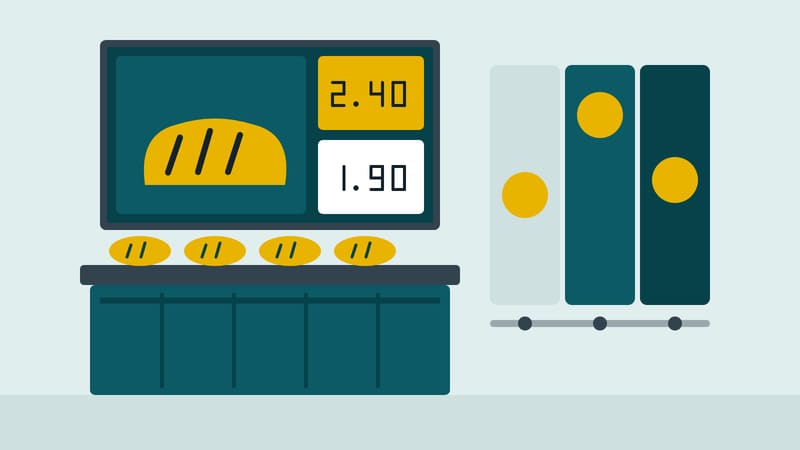
2. Price with the item. Anyone offering goods on screens must price them by stating the prices directly next to the images or descriptions (section 10(4)). A picture without a price is not goods with a price.
3. The lowest price of the last 30 days. Whenever a price reduction for goods is announced, the lowest total price the trader applied to consumers in the 30 days before the reduction must be stated (section 11(1)). Individual price reductions and reductions for quickly perishable goods are exempt (subsection 4). Anyone discounting on 27 November must therefore be able to name the lowest price of the weeks before. A high "was" price that did not apply a few weeks earlier does not help.
There is one relief: for general price reductions that are limited by calendar days and announced by advertising, no new total price has to be stated (section 9(1) no. 2). That concerns mainly the price tag on the shelf. The 30-day statement under section 11 remains separate.
What makes sense on screen
- Name an end. "Friday only" or "until Sunday" with a date. That fits the calendar-day rule and is honest.
- Few promotions, shown large. Three products in large type, not thirty on one image.
- Show the way. Where is the item? A promotion is worthless if nobody finds it.
- Do not displace the regular programme. Anyone who otherwise offers advice or repairs keeps showing them, for example in a smaller area.
What causes trouble
- "Only 3 left" when there are more.
- Countdowns that restart after expiry. A counter that begins again at 24 hours at midnight is deceptive.
- Prices the screen shows and the till does not know. The customer notices the difference at the till. Check the evening before, not on Friday morning.
- An uncleared promotion on Sunday. On Monday the screen shows an expired promotion. Plan the end as well.
A checklist for Thursday evening
- Does every promotion run with a start and end date?
- Is the price shown with every item, including VAT?
- Is the lowest price of the last 30 days available for every discounted item?
- Do screen and till agree?
- Who changes things when something sells out?