RetailIndustry
Bakery: what the screen behind the counter should show
Breakfast, lunch, afternoon: a bakery counter has a daily rhythm, and the screen can follow it. Plus the duties on prices and allergens.
Kapaso solution: AIO Hub is made by the publisher of this magazine.
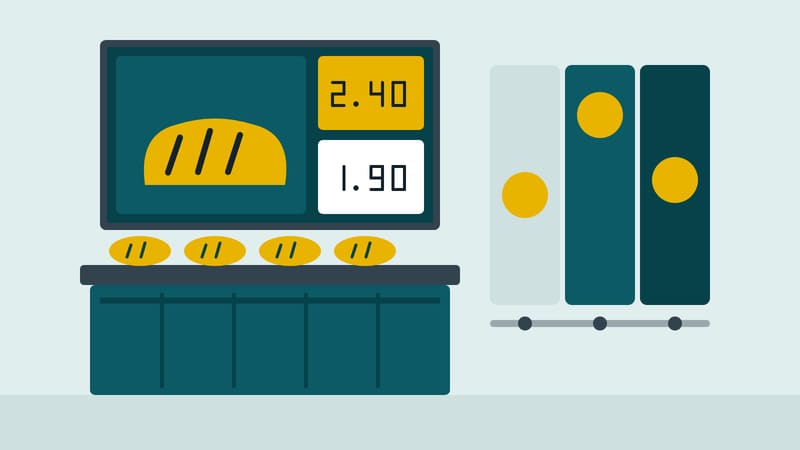
Anyone queuing in a bakery looks at the counter, at the clock and at the screen behind it, in that order. The screen therefore has little time and a clear job: show what can be bought right now.
The day has three parts
In the morning it is breakfast, filled rolls and coffee. At midday the lunch offer, soup or a snack. In the afternoon cake, pastries and an end-of-day deal. A screen that still shows breakfast at 3 p.m. advertises something that no longer exists.
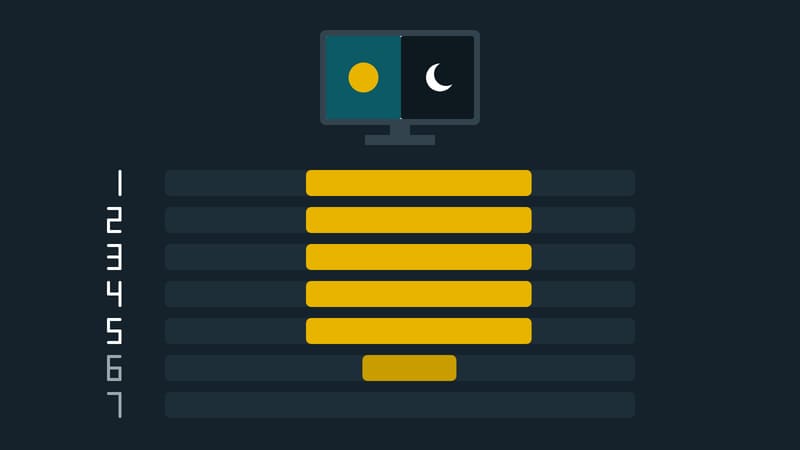
Modern digital signage software lets you store these parts as time windows. In AIO Hub from Kapaso they are drawn in a calendar view: the breakfast menu in the morning, lunch at midday, the promotion in the evening. The playlist planner offers ready-made time-window blocks for breakfast, lunch and evening, plus a "promotion" block with a start and end date.
What belongs behind the counter
- One focal point per image. The bread of the week, a price, a photo. Show three things equally loudly and you show none.
- Prices readable without asking. Bread sold by weight needs the base price, not the price of an assumed piece.
- Opening hours. Above all on days with different hours.
- Seasonal items. What is baked only in autumn or at Christmas is a good reason to use the screen.
What only gets in the way
Long running text, videos unrelated to the range, and pictures of products that are not on the shelf that day. A constantly changing image that shows figures for only three seconds helps nobody either.
Prices and allergens
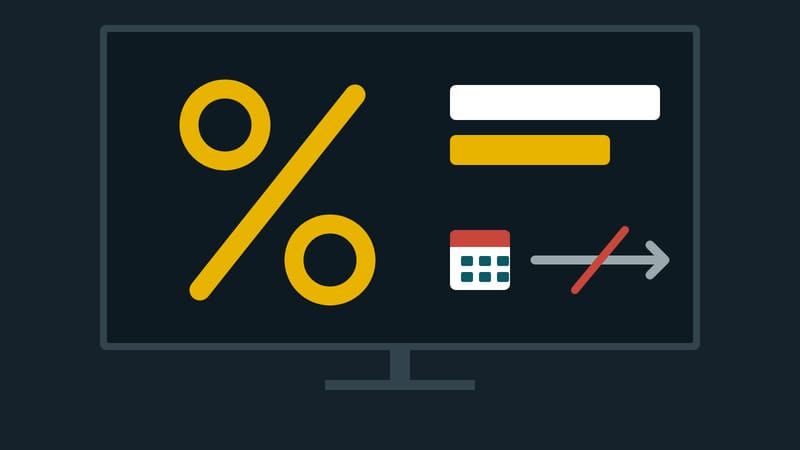
Two duties also apply to the screen. Under the German Price Indication Ordinance, goods offered on screens must be priced by stating the prices directly next to the images or descriptions (section 10(4)). Anyone offering loose goods by weight must state only the base price (section 4(2)).
For allergens, the information may be given in writing, electronically or orally. If it is given orally, documentation must be available on request, and the sales area must carry a clear notice that allergen information is available. That notice is a good candidate for a fixed strip at the edge that does not change with the picture. This is a design suggestion, not a requirement of the rule. This article is not legal advice.
What this looks like with AIO Hub
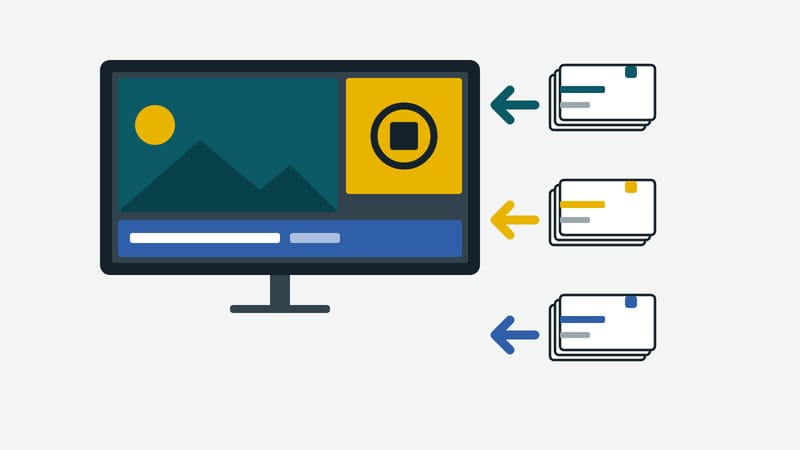
AIO Hub has shipped 20 standard templates since version 6.1.0, which has been running on the manufacturer's server since 3 October 2026. One of them is called "Bread of the week". The templates contain sample text and empty frames for photos; the bakery adds its own images, prices and names. With templates that have fixed fields, a branch can change price and text without touching the layout.
The limits: the Hub checks neither whether a price is stated correctly in law nor whether an allergen notice is complete. It shows what was entered. Prices come in by hand, or from the till through an interface if someone sets one up.
A short checklist
- Which three parts of the day does the counter really have?
- Is the price next to every product shown?
- Is there a fixed notice about allergen information?
- What does the screen show on a public holiday?