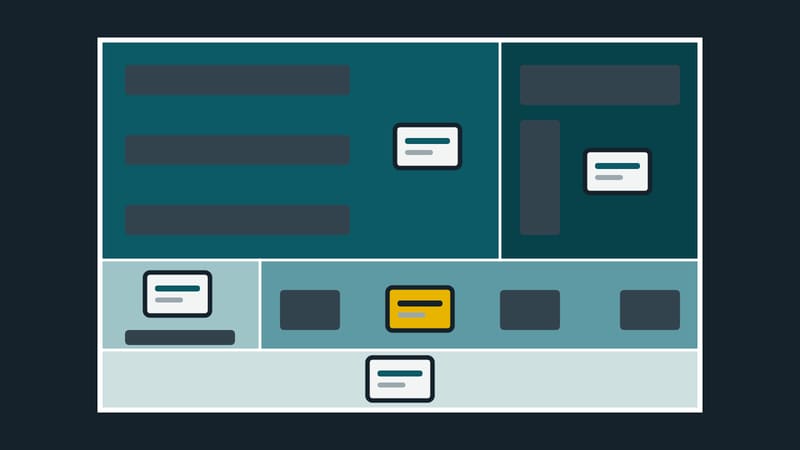
Retail media
Retail
Shelf, checkout, shop window: articles on what screens achieve at the point of sale and what they cost.
The shop floor shows whether a screen is worth it: in the shop window, at the shelf, at the checkout, behind the counter. It should guide customers, show offers and prices, and not get in the way.
This page collects articles from retail, food service and hospitality: where a screen belongs, how head office and branches share content, how schedules carry promotions and public holidays, and which rules apply to prices, cameras, music and screens facing the street.
Directly below are three articles to get started, followed by all articles sorted by topic.
Where to start
Articles by topic
Places in the store
Head office and branches
Promotions and seasons
Rules at the point of sale
Sectors and retail media
Terms on this topic
- Advertising installation
- Allergen labelling
- Ambient light sensor
- Anonymisation
- Anti-glare treatment
- Aspect ratio
- Audience detection
- Audience measurement
- Call to action
- Central price management
- Checkout area
- Checkout display
- Consent
- Content template with placeholders
- Corporate design
- Countdown
- Customer journey
- Data protection impact assessment
- Dayparting
- Departure board
- Dwell time
- Dynamic content
- E-paper
- Editorial calendar
- Electronic shelf label
- Event schedule display
- Feedback terminal
- Footfall counting
- Fresh food counter
- GDPR
- High-brightness display
- Hotel lobby
- Impression
- In-store marketing
- Layout
- Legitimate interest
- Live data
- Menu board
- Multi-zone
- Nits
- Playlist
- Point of sale
- Power schedule
- Priority
- Product advisor
- QR code
- Rated operating hours
- Resolution
- Retail media
- Schedule
- Shelf media
- Shop window interaction
- Standby mode
- Template
- Video surveillance
- Viewing distance
- Wayfinding system
- Window-facing display
All articles in Retail
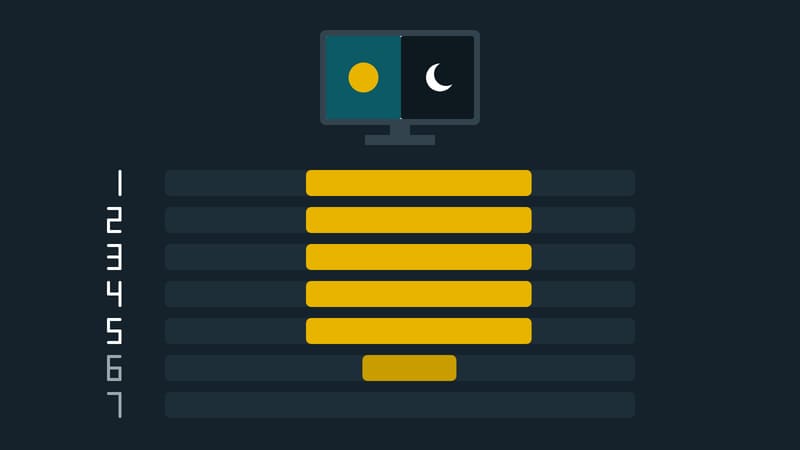
Operating hours
The screen turns itself off at night and on in the morning
Through the year
Black Friday on screen: what works, what causes trouble
Screen layout
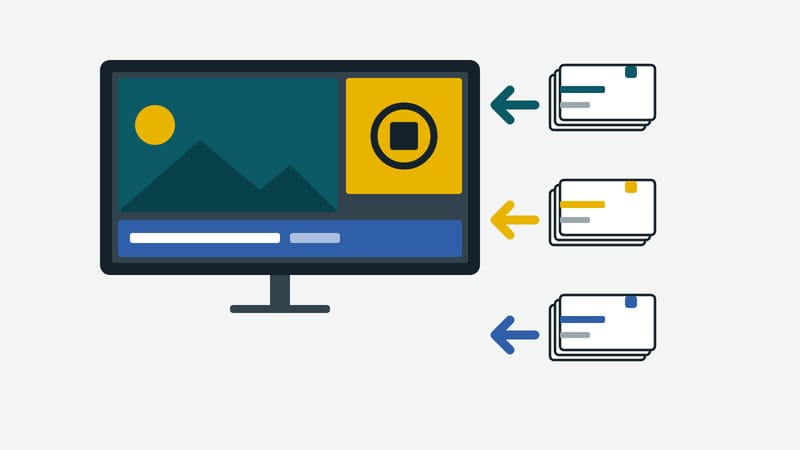
One screen, several areas: how zones are built
Data protection
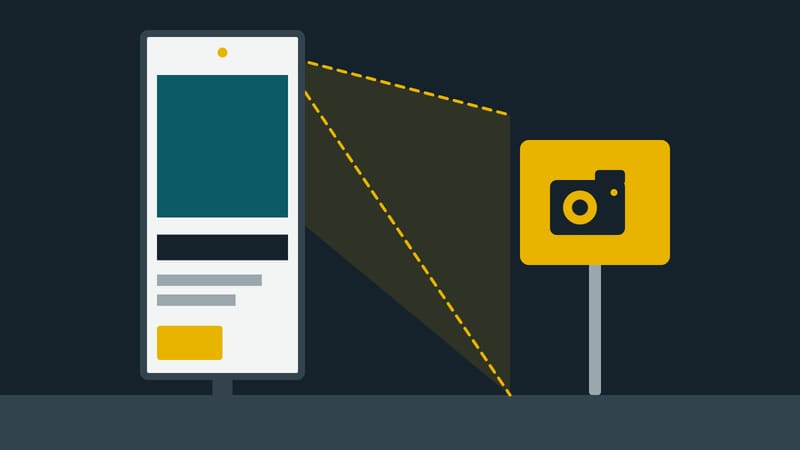
A camera on the screen: what regulators require
Through the year
Pre-Christmas on screen: the plan up to the turn of the year

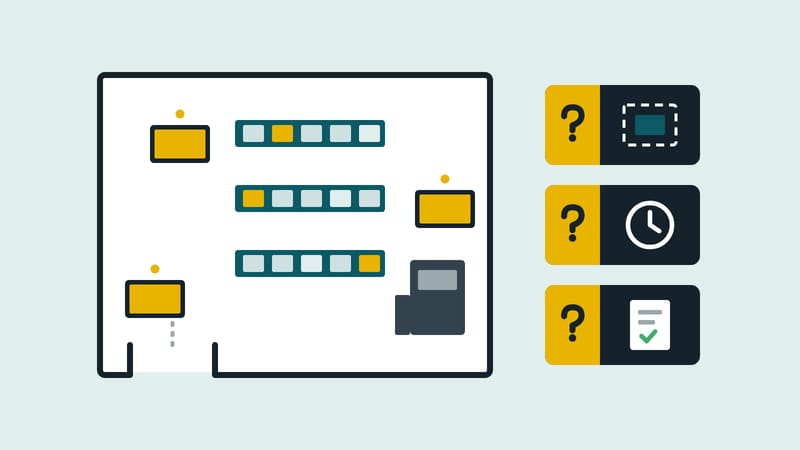
Read and put in contextRetail media
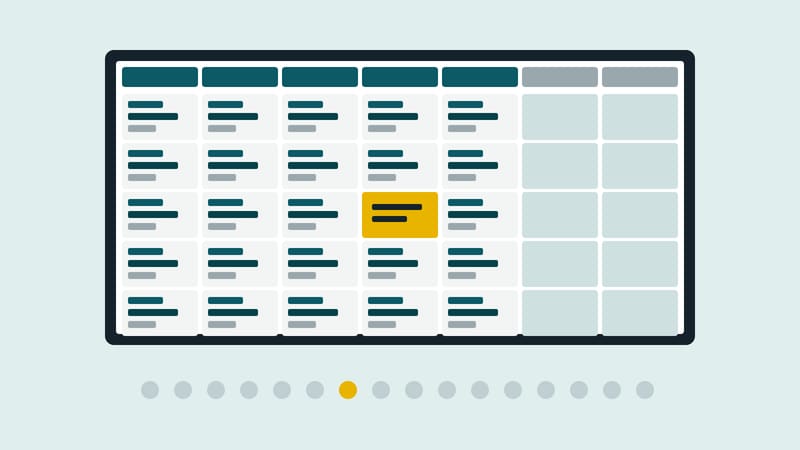
Instore retail media: what the forecast means for stores
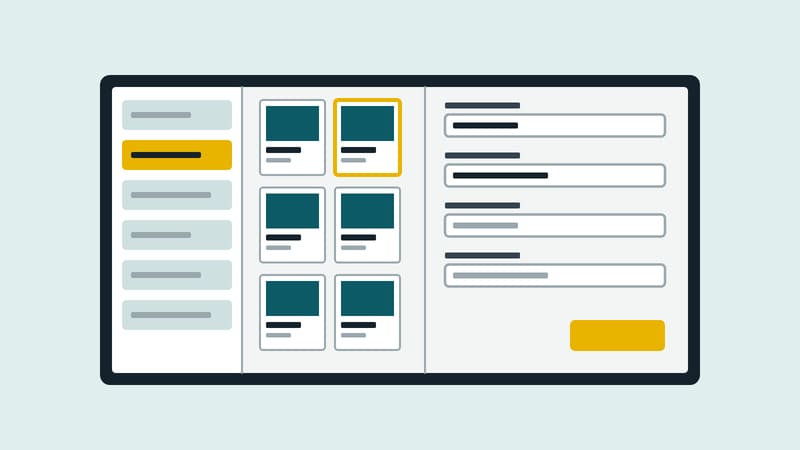
Retail media
Five zones in the shop: what a screen does where

Customer feedback
One tap on a smiley and the rating is in the report
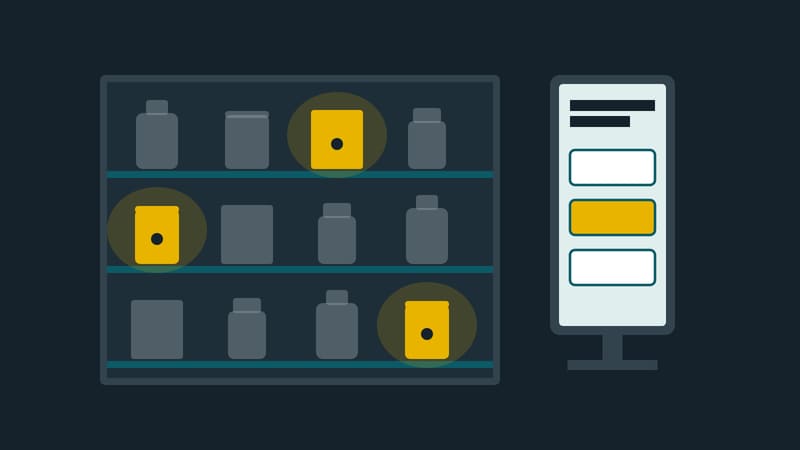
Advice at the shelf
A few questions, then only the matches stay lit on the shelf
These are all the articles in this section.