RetailOperating hours
The screen turns itself off at night and on in the morning
In AIO Hub, operating hours set an on and an off time for each weekday. They control the screen, not the content.
Kapaso solution: AIO Hub is made by the publisher of this magazine.
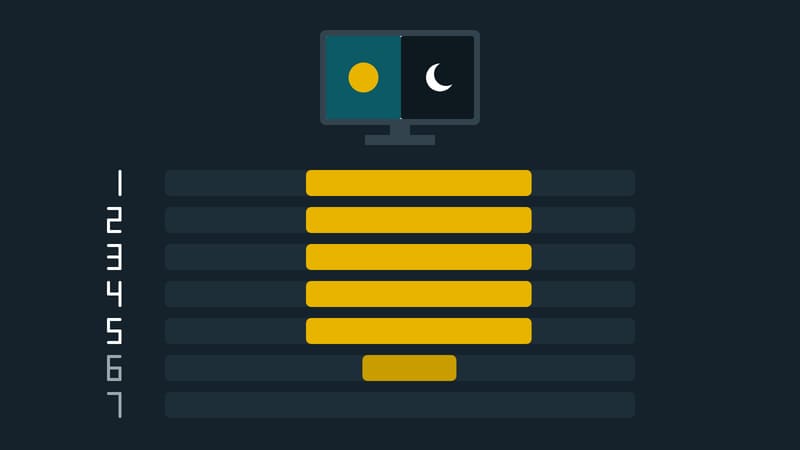
A screen in a shop window does not need to glow at night, and in an office it does not need to run at the weekend. In AIO Hub, made by Kapaso, the device detail page has a section called "Operating hours (on/off)" for this. Once the schedule is switched on, an on time and an off time are entered for each weekday. Two buttons save typing: "Copy Monday times to Mon–Fri" and "Clear all".
During the off time the screen goes black. The device stays reachable and keeps reporting to the hub, so it is not switched off in the sense of being without power. What goes beyond that, such as a different off mode, is set by the hub's operator. Since version 5.65.0 anyone who may manage the player can set the operating hours themselves.
Two things are worth noting. First, operating hours only control when the screen is on or off, never what plays on it; the schedules of the playlists do that. Second, the section exists only for certain devices, namely AIO devices, Windows players and some Android devices. Where a device type has no way of switching off, the section is missing.
A tip from operations: anyone who has set up warnings for failing devices should know the off times and match the rule's quiet period to them, so that a screen that is dark on schedule does not trigger a fault message.
Details of the software are at aio-hub.de.