Set-up
Technology
Players, formats, security and AI: articles on the technology behind the screen and how it is run.
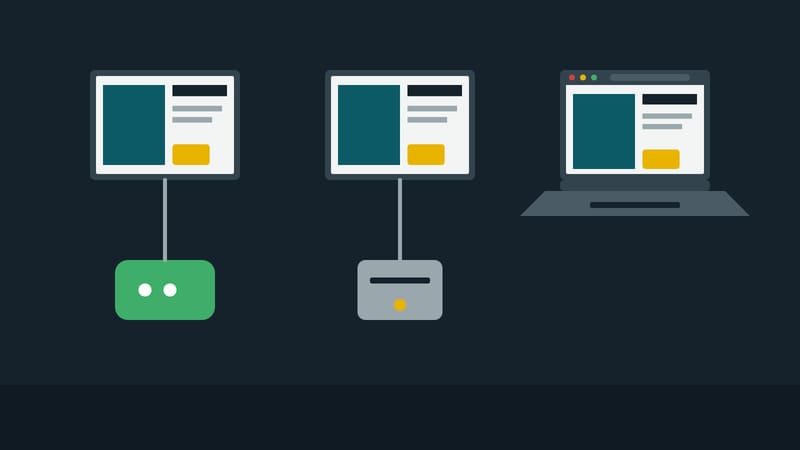
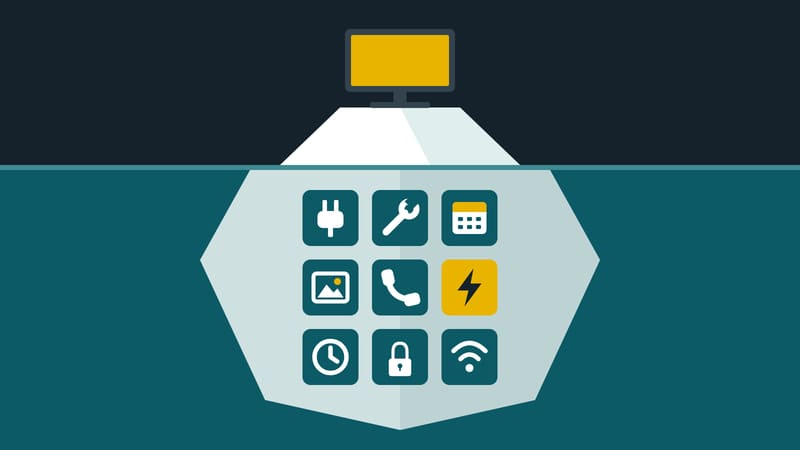
Behind every screen there is a playback device, a management system and a plan of what runs when. This page collects articles on the technology behind it: which players and displays suit which use, how content is prepared for format and screen, and how operation stays stable.
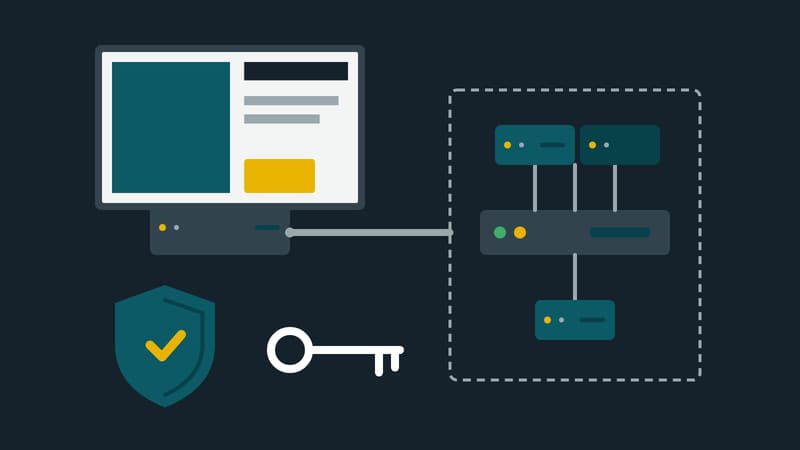
One focus is security. The EU Cyber Resilience Act places new obligations on manufacturers of connected devices, and operators should know what that means for their players.
Directly below are three articles to get started, followed by all articles sorted by topic.
Where to start
Articles by topic
Players and displays
Formats and content
Operations and monitoring
Security and the Cyber Resilience Act
- Eight BSI tips, applied to the media player3 min read
- Players under your own name: how that makes you a maker4 min read
- Kapaso puts reporting address, checksums and update commitments on one page1 min read
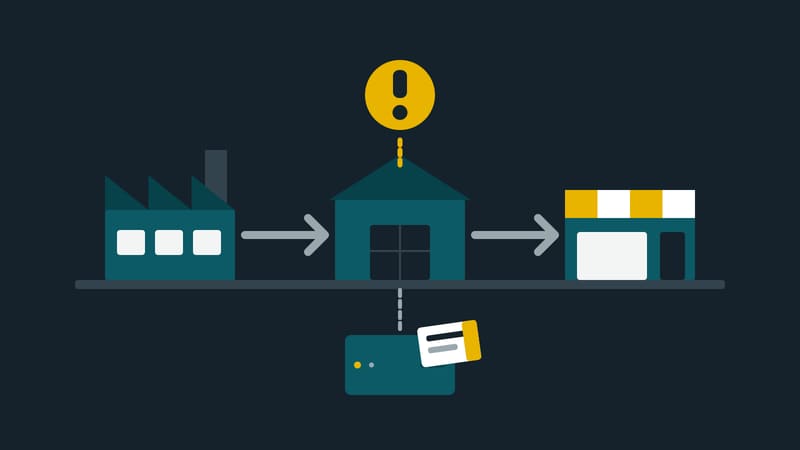
- Cyber Resilience Act: reporting duties for player makers already apply3 min read
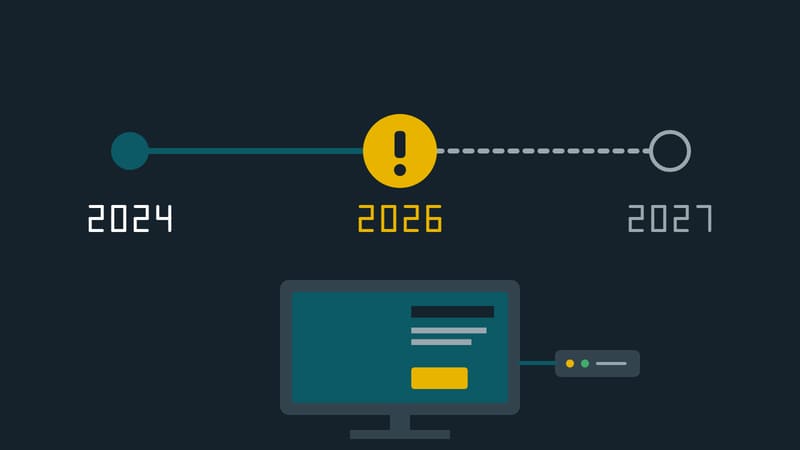
- Cyber Resilience Act: what 29 percent means for operators3 min read
Terms on this topic
- Advertising creative
- Alerting
- Ambient light sensor
- Android player
- Aspect ratio
- Bit rate
- Cache
- CE marking
- Cyber Resilience Act
- Data volume
- Digital signage
- Encryption
- End of support
- Energy efficiency class
- File size
- Firewall
- Firmware and update
- Heartbeat
- High-brightness display
- Idle screen content
- Initial setup
- Kiosk mode
- Layout
- Manufacturer
- Media player
- Mini PC
- Mobile network
- Monitoring
- Nits
- Offline operation
- Password policy
- Port forwarding
- Portrait and landscape
- Power consumption
- Pre-download
- Preview
- Professional display
- Rated operating hours
- Remote management
- Remote restart
- Remote screenshot
- Resolution
- Security update
- SoC display
- Software licence
- Standby mode
- Totem
- Touchscreen
- Two-factor authentication
- Video format
- VPN
- Vulnerability reporting
- Watchdog
- Windows player
- Wireless LAN
All articles in Technology
IT security
Eight BSI tips, applied to the media player
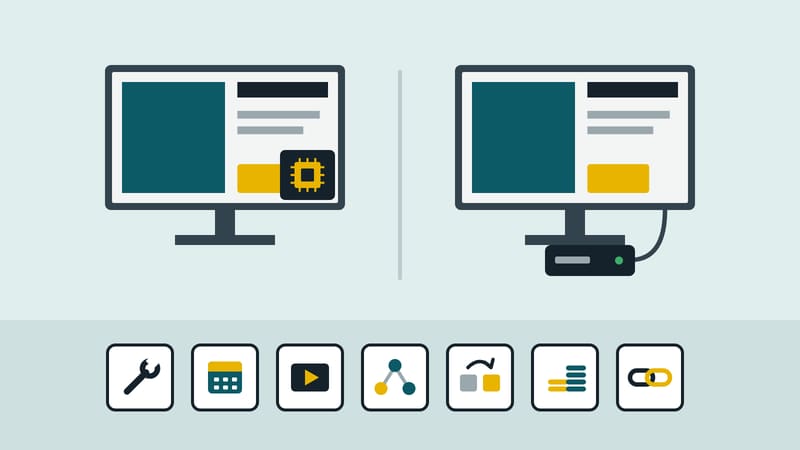
Read and put in contextSoC or media PC
Digital signage player SoC or media PC: what to check
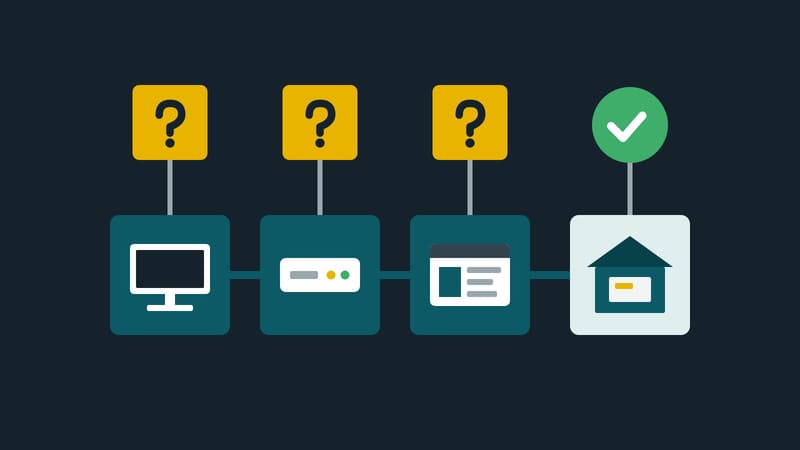
Read and put in contextCyber Resilience Act
Cyber Resilience Act: what 29 percent means for operators
Players compared
Android, Windows or browser: which player suits which screen

These are all the articles in this section.