TechnologyOperations
What a screen shows when it loses contact with the management software
Carrying on is right, but not for ever. Four kinds of device, four answers, and the question of when old content is worse than an empty screen.
Kapaso solution: What this article describes is made by the publisher of this magazine.
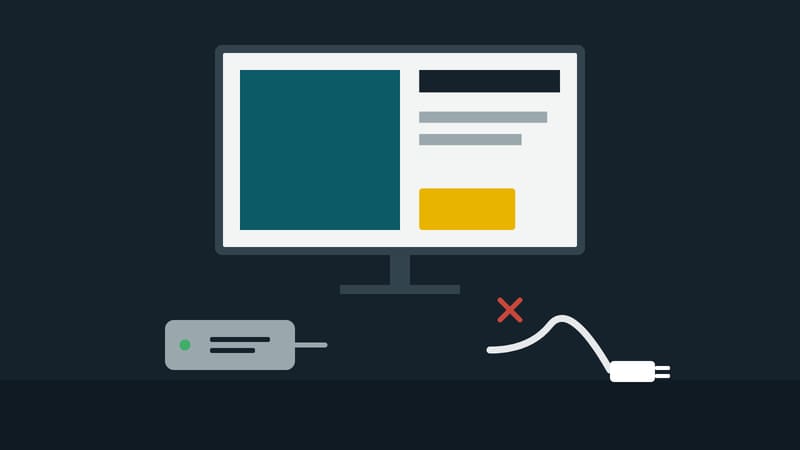
A screen in a shop depends on two things: power and the network. If the power fails it goes dark, and everyone understands why. If the network fails, matters are less clear. A player that then displays an error message is an embarrassment in a shop window. A player that simply carries on is the better answer, as long as what it plays is still correct.
Four kinds of device from Kapaso's range give four answers to the same question.
Android and Windows players: from their own storage
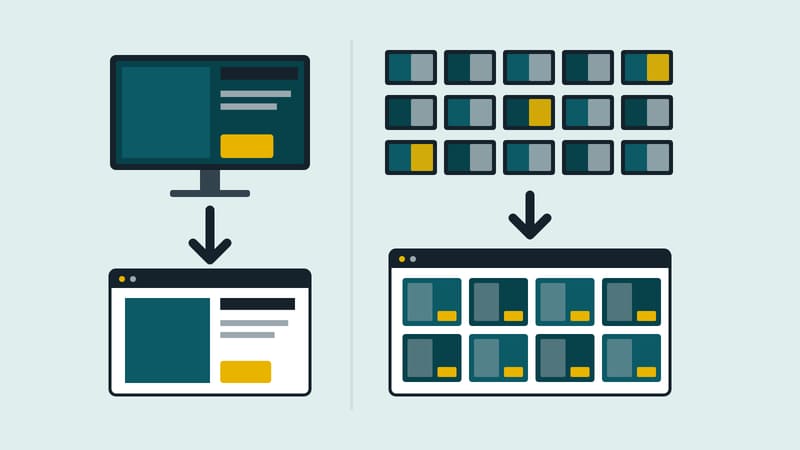
Both players download content in the background and store it on the device. Playback runs from that storage. If the connection drops, nothing changes on the screen. The Windows player also remembers the last playlist and buffers its playback log. Once the connection is back, the players catch up on changes and report in to the management software again.
When old is too old
Carrying on has a limit. A screen that has had no contact for weeks may be showing an offer that ended long ago. AIO Hub, the management software, has a time limit for this. The default is 30 days, and the value can be changed. Once it has passed, Android and Windows players show a notice instead of outdated prices.
How long that period should be is the operator's decision. For a reception screen with a welcome message and the weather, 30 days does no harm. For a price board, a few days may already be too long.
Browser player: twelve hours
The player that runs in a browser window is stricter. If the computer starts with no network, it carries on with the last valid schedule for twelve hours at most. It does not show older schedules. The manufacturer's reason is advertising: no expired creative should run. The browser collects reports of advertising played for up to seven days and delivers them later; they are deleted only once receipt has been confirmed.
E-paper: the image stays
An e-paper sign holds its image without power. If it finds no Wi-Fi when it wakes up, the last content loaded stays on display, and it goes on showing the images it has already stored.
The difference between offline and withdrawn
Two cases look the same from outside and are not. In the first the network is down and the player should carry on. In the second a screen has been deliberately withdrawn, for instance because an advertising booking has ended. Here nothing may carry on. In the manufacturer's advertising portal, a withdrawn screen therefore receives a valid, empty playlist instead of an error. Given an error, a player would hold on to its old list.
Noticing that something is missing
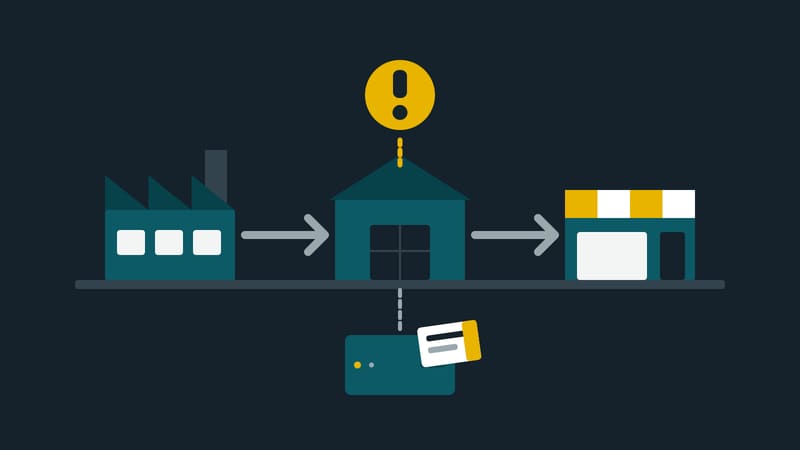
A player that dutifully carries on hides the outage. Playback without a network therefore needs monitoring alongside it. The management software shows which screens have stopped reporting and gives the reason. On request an email is sent when a screen fails, and a second one when it is running again.
Four questions for your own planning
- How long may content carry on without contact? Answer per type of screen, not across the board.
- What should be shown after that? A notice, a neutral image, or nothing.
- Who gets the message when a screen goes quiet, and who responds at the weekend?
- How does the device get online? Screens on mobile data are better off loading large files at night; the management software shows how much data each device uses.
The technology can cope with an outage. Whether a business notices one depends on the third question.