
Introduction
Workplace
Reception, production, meeting room, break room: articles on how screens keep a workplace informed.
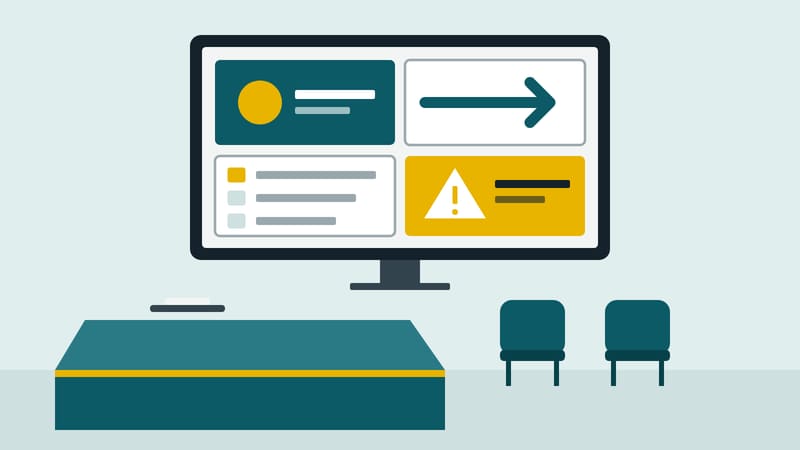
Screens inside a company address employees and guests: at reception, outside meeting rooms, on the shop floor, in the break room and in the canteen.
This page collects what needs to be settled: which content belongs there, how calendars, spreadsheets and reports get onto the screen, who may change content, and where the works council, labelling and posting obligations have a say.
Directly below are three articles to get started, followed by all articles sorted by topic.
Where to start
Articles by topic
Reception, lobby, meeting room
Shop floor, break room, canteen
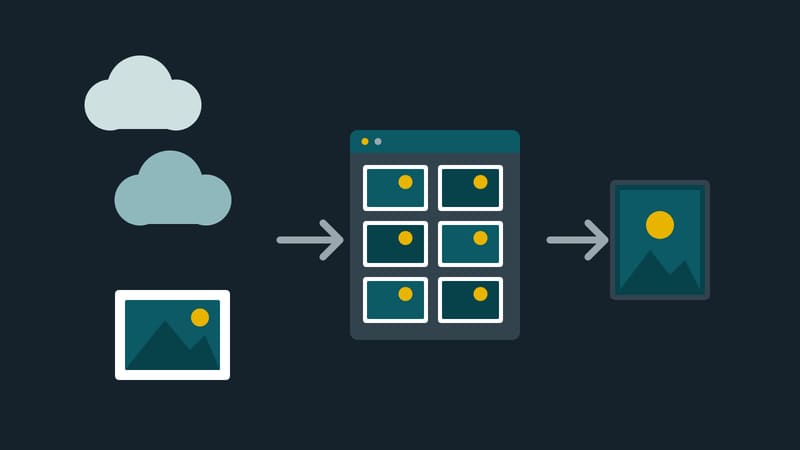
Data and images on screen
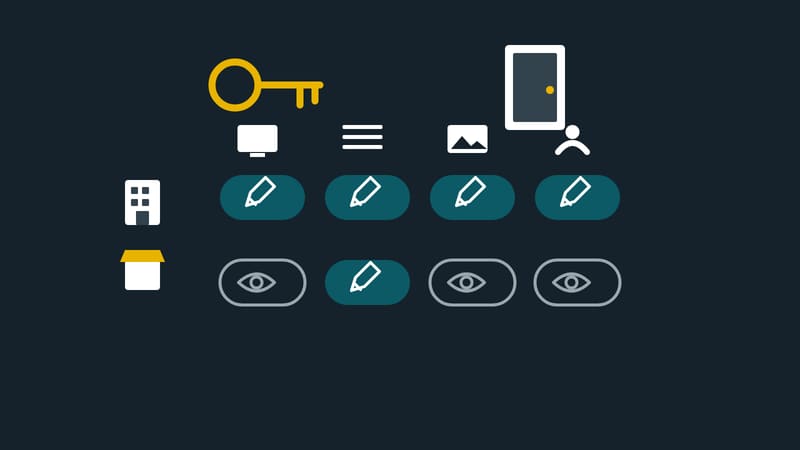
Access, approval, ownership
Co-determination and obligations
Design
Terms on this topic
- Accessibility
- AI-generated content
- Andon board
- Business intelligence report
- CMS
- Co-determination
- Content
- Content approval
- Content template with placeholders
- Contrast
- Copyright
- Corporate lobby
- Data source
- Digital signage
- Door sign
- Dwell time
- Dynamic content
- Employee communication
- Font size for viewing distance
- Image rights
- KPI dashboard
- Labelling of AI-generated content
- Licence
- Logistics and warehousing
- Mandatory workplace notices
- Media library
- OEE
- Password policy
- Pictogram
- PIM
- Roles and permissions
- Rollout
- Room booking
- Shop floor management
- Single sign-on
- Ticker
- Two-factor authentication
- User account
- Viewing distance
- Visitor registration
- WCAG
All articles in Workplace



Co-determination
Performance figures on screen: the works council has a say
Read and put in contextSituational signage
Situational signage in the lobby: what operators should ask
Introduction
Introducing digital signage: ten steps to launch
Meeting rooms
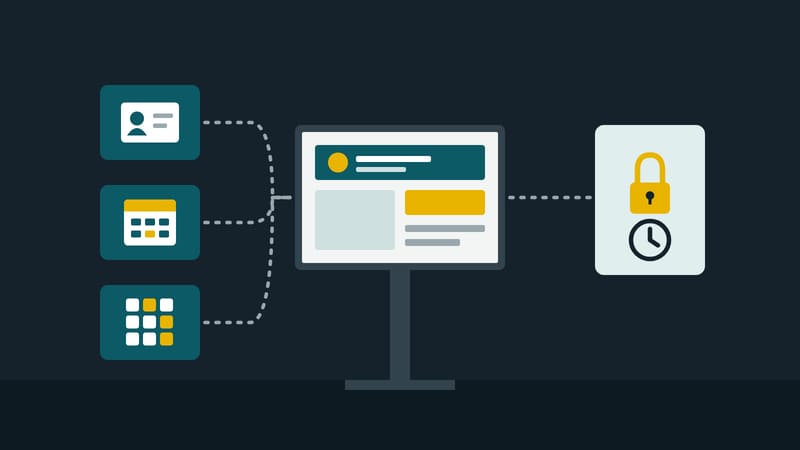
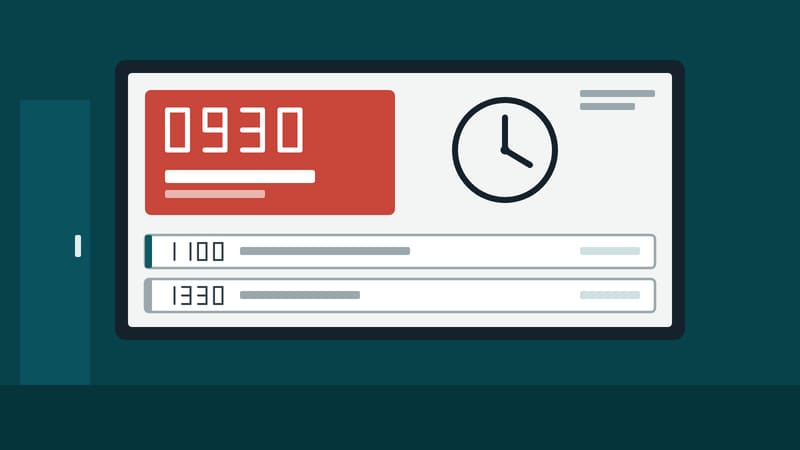
The display at the door reads the room's calendar
These are all the articles in this section.