WorkplaceMedia pool
Images from cloud and catalogue: a copy, not a link
In AIO Hub a medium from an outside source is taken over into your own pool. There is a practical reason: the screen has no account with the cloud.
Kapaso solution: AIO Hub is made by the publisher of this magazine.
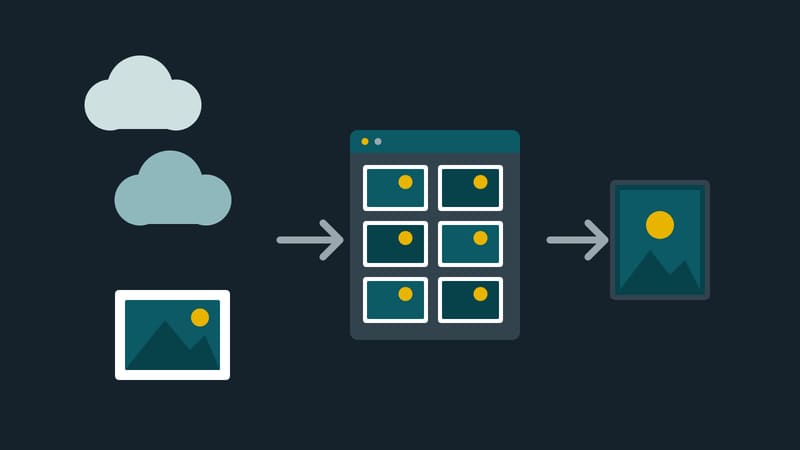
The logo is in the company drive, the photo at an image catalogue. The obvious way is to write the addresses into the playlist. It has a catch: a player has no account with OneDrive or Dropbox. If the share link expires, the screen would be black on the next pass.
AIO Hub, made by Kapaso, therefore takes the other route: what is taken over is a copy. In the media pool there are two kinds of source to choose from. Catalogues such as Pixabay and Pexels are searched, with licence and author shown on every tile; one key per company is enough. Storage locations such as Nextcloud, OneDrive, SharePoint and Dropbox are browsed. The operator sets up the application once, after which each company connects its own account.
On takeover the medium lands as a copy in your own pool, together with a licence and author note. Files already taken over are marked and not loaded twice. After that the screens keep running even if the link expires or the internet goes down.
A medium merely embedded by address behaves differently: it does not live in the hub, and if the source fails, a gap appears on the screen.
Worth noting: external sources exist only on the server hub, and access to outside storage has to be enabled deliberately for each company. This article makes no statement on the terms of use of the catalogues.
Details of the software are at aio-hub.de.