WorkplaceIntroduction
Introducing digital signage: ten steps to launch
Starting with the hardware often ends in screens nobody owns. Ten steps in a sensible order, from the audience to checking the result.

Digital signage projects rarely fail on technology. More often, three months on, a screen hangs in a corridor whose content nobody changes any more, because it was never settled whose it is. The ten steps below are a sequence, not a menu: skip one and you usually catch it up later at greater cost.
The question first, then the place
1. Goal. One sentence is enough: what should change once the screen is running, and how would you notice? "Look more modern" is not a goal; "visitors find their way without asking at reception" is.
2. Audience and situation. Who looks, for how long, standing or seated, from what distance? A waiting area tolerates more text than a passageway.
3. Location and visibility. Line of sight, backlight, reflections, mounting height. A photo of the wall at different times of day clarifies more than any sketch.
Content and responsibility
4. Content and ownership. What content really exists, and who supplies it regularly? One person with a deputy beats "the department". If you have no names for this, do not order yet.
5. Permissions and approval. Who may create, who may publish, who may manage devices? The more people see the screen, the more a second check before publishing pays off.
Technology
6. Hardware and player. Display and playback device are two decisions. Operating hours, brightness, portrait or landscape and connections depend on the location that steps 2 and 3 have clarified.
7. Software and operating model. Does the management run at the vendor's, in your own data centre, or mixed? Who handles updates, who backs up the data, what happens when the contract ends? These questions belong before the order, not after.
8. Network and power. Are power and network present at the mounting spot, not just nearby? Do firewall releases and the line suffice for continuous operation? Best connect a test device exactly there.
Start and operation
9. Pilot and rollout. One or two devices, a few days under real conditions, and only then the breadth. Faults found in the pilot are fixed before more devices follow.
10. Upkeep and review. A fixed date for the first review, a rhythm for clearing out old content, a rule for failures. Then the goal from step 1 comes back out: did what was expected happen? If not, content is usually the first place to look, not hardware.
The list as a decision aid
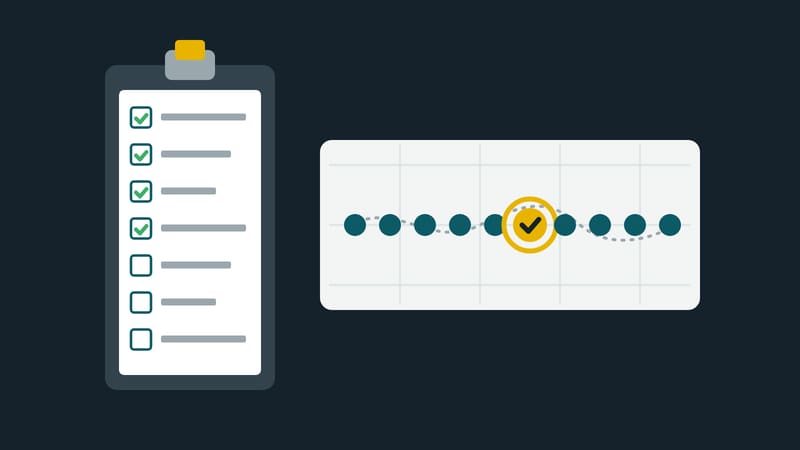
Before ordering, you should be able to answer each of these with yes:
- Goal and audience are each stated in one sentence.
- For the location there is a photo, a measurement and a visibility check.
- For content there is a name, a deputy and a rhythm.
- Permissions and approval route are defined.
- The operating model is understood, including the exit.
- A pilot is planned, with a date for the review.
Every no is a task, not a refusal. But a project with four noes should not order yet; it should clarify first.
This magazine is published by Kapaso GmbH, which develops software for such screens. The article describes general practice and refers to no product.
DS Content kompakt
The magazine’s newsletter: three articles and one practical tip, by email about every two weeks.