WorkplaceIndustry
Factory floor: shift figures, no substitute for the sign
What a production screen should show, what it supplements and what still belongs on the wall.
Kapaso solution: AIO Hub is made by the publisher of this magazine.
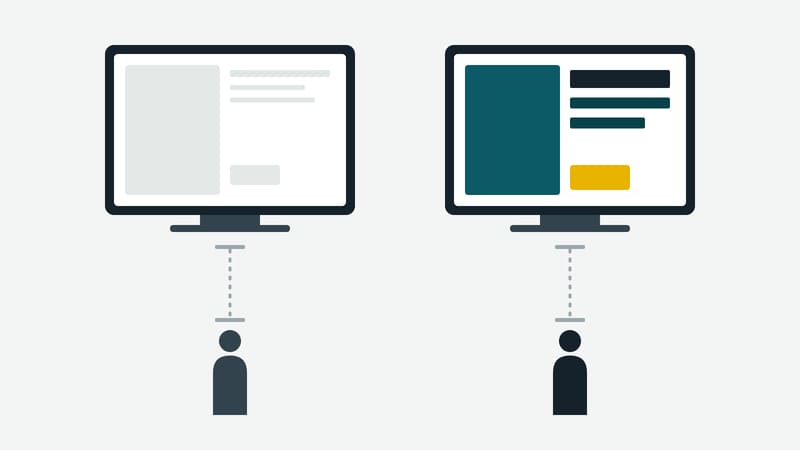
The shop floor has different rules from the office. It is loud, bright or dusty, people are on the move and read in passing. A screen in production therefore has a job that can be said in one sentence: show the figures and notices needed during the shift, readable from ten metres.
What belongs on the screen
- Output and target for the shift. One number, not a table.
- Rejects and downtime, if production records them.
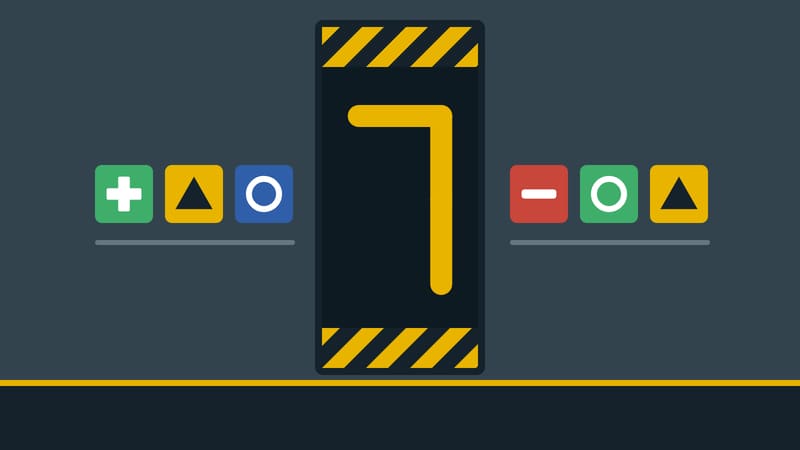
- Days without an accident. A large figure with warning stripes says more than a report.
- Shift change: who is coming, who is leaving, what is still open.
- Dates of the week: maintenance, inspection, meeting.
- Notices from management, short and without running text.
What still belongs on the wall
The German Technical Rule for Workplaces ASR A1.3 describes how safety and health protection marking works in workplaces: through safety signs, colour, light or sound signals, verbal communication or hand signals. If the employer uses the signs as intended, they can assume they meet the requirements for marking.
A screen is not provided for in this list. A cautious conclusion follows: escape routes, prohibition, warning and mandatory signs, fire extinguishers and first aid stay where they are. A display can supplement them, for instance with a reminder of the fire safety rules, but not replace them. That is an assessment by the editors; what is binding is the rule itself and the occupational safety specialist. This article is not legal advice.
Legibility is safety here
- Contrast before colour. Yellow on black, white on dark blue. Some people cannot read red on green at all.
- Large figures, short text. If the number fills the whole width, it can be read from a distance.
- No sound. The hall is noisy, and a signal from a screen can be confused with other signals.
- No rotation when danger is involved. A notice that appears only for 8 seconds every 40 seconds is none.
What this looks like with AIO Hub
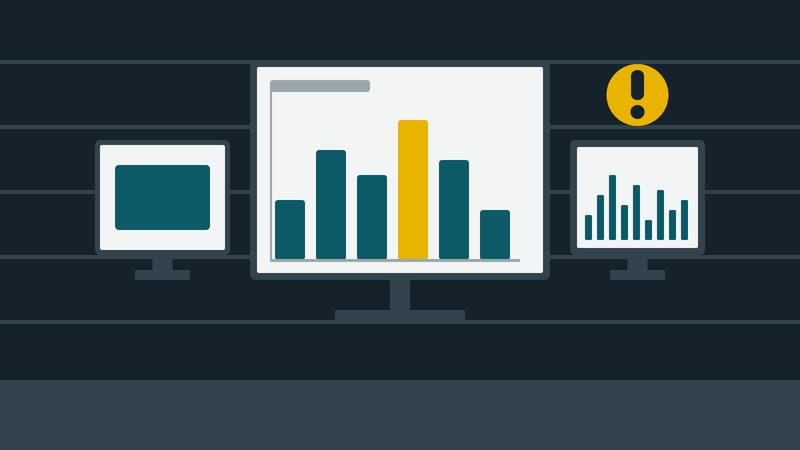
AIO Hub from Kapaso has shipped 20 standard templates since version 6.1.0 (in operation at the manufacturer since 3 October 2026). Two fit the hall: "Accident-free for … days" with warning stripes at top and bottom, a figure as large as the canvas is wide and a card with three rules, and "Key figures of the month" with a column chart per calendar week, a ring and three large numbers. Both come in portrait and landscape.
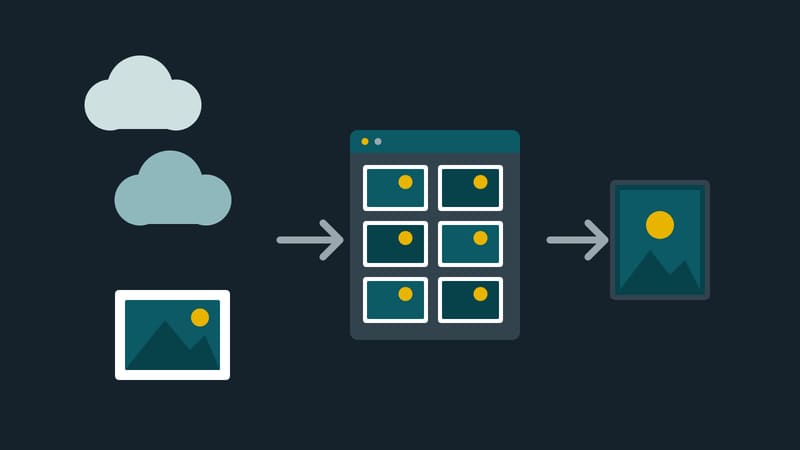
Figures from Excel, such as the week's output, can be uploaded as a file; the Hub turns them into a PDF. Reports from Power BI can be embedded in the screen by the Hub if someone sets them up.
The limits: the number in the template is entered by someone or replaced through an interface; automatic counting of accident-free days is not part of the template. The Hub shows no machine data unless someone supplies it. The screen picks up changes at its next poll, not in real time. It is not meant for output counted every second.
A test
Stand where your people walk past most often. Read the number from ten metres. If you cannot read it, nobody else can.