TechnologyPlayers compared
Android, Windows or browser: which player suits which screen
Three ways of getting a playlist onto a screen. They differ in set-up, updates and behaviour without a network.
Kapaso solution: What this article describes is made by the publisher of this magazine.
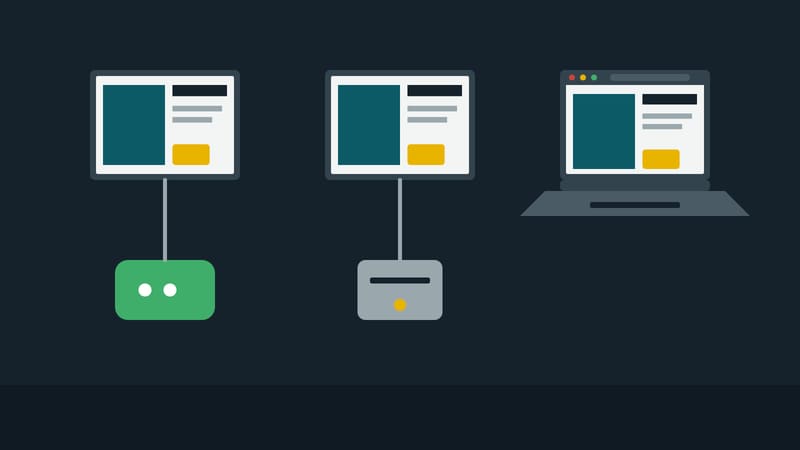
When a screen is being planned, the question of the player rarely comes first. Usually a device is already there: the screen with built-in Android, the office PC behind reception, the terminal at the machine. The software has to fit in. The manufacturer Kapaso offers three players for its management software, AIO Hub. All three play the same playlists and are managed in the same place. This comparison shows where they differ.
Android: the device as a sealed unit
The app runs on Android boxes and on screens with built-in Android. On devices supplied by the manufacturer it comes pre-installed. Kiosk mode locks settings and other apps; on touch screens, web pages can be used without anyone being able to leave the player.
Restart, switching the screen on and off to a schedule, rotation and resolution can all be controlled from the management software. App updates arrive the same way. If playback hangs, a watchdog restarts it.
A good fit when a new screen is being bought or the device comes with Android anyway, and when nobody is supposed to step in on site.
Windows: the PC you already have
The Windows player runs on a PC that drives a screen. It is installed with a set-up program, starts with the computer and keeps itself in the foreground. The installer carries the manufacturer's Windows signature. Updates arrive as a package through the management software; the player checks the package before applying it.
It stores media on the hard disk and keeps playing from there if the network fails. It also accepts a Windows restart and a screen schedule as jobs from the management software.
A good fit when a Windows PC is already connected to the screen, when IT only supports Windows devices, or when other programs have to run on the same machine.
Browser: a link is enough
The third route needs no installation. A player is created in the management software and gets a link of its own. When the link is opened in Chrome or Chromium on the screen's computer, the browser plays the playlist full screen. The computer can run Windows, macOS or Linux. The link can be blocked or regenerated, for example after a device has been replaced. In AIO Hub this route is called a screen link; it is enabled per company and is password-protected there.
The limit is operation without a network. If the computer starts with no connection, the browser player carries on with the last valid schedule for twelve hours at most. It deliberately does not show older schedules.
A good fit when a screen has to go live quickly and with nothing installed, such as a monitor in a meeting room, or when the operating system is neither Android nor Windows.
What all three share
- Set-up. Android and Windows players show a code on first start, which is entered in the management software. The browser player is created in the management software.
- Playlists and schedules. All three receive the same lists; a network can mix the types.
- Licence. According to the manufacturer, player licences are included in every package of the management software.
Where they differ
- Controlling the device. Android and Windows players accept jobs such as a restart and a screen schedule. A browser window cannot control the computer underneath it.
- Without a network. Android and Windows keep playing from their own storage and, after a configurable period of 30 days by default, show a notice instead of outdated content. The browser player stops after twelve hours.
- Upkeep. Whoever runs a PC also maintains its operating system. A sealed Android box takes most of that off the operator's hands, and allows less intervention in return.
Rule of thumb
For new screens in a shop, the Android unit is the shortest route. For PCs already in service, it is the Windows player. The browser player is the answer for anything that has to happen fast or fits nowhere else.
DS Content kompakt
The magazine’s newsletter: three articles and one practical tip, by email about every two weeks.