RetailE-paper
E-paper in the shop: the sign only needs power when the picture changes
Colour e-paper displays replace posters and price signs, but not screens. How the technology works and what it is suited to.
Kapaso solution: What this article describes is made by the publisher of this magazine.
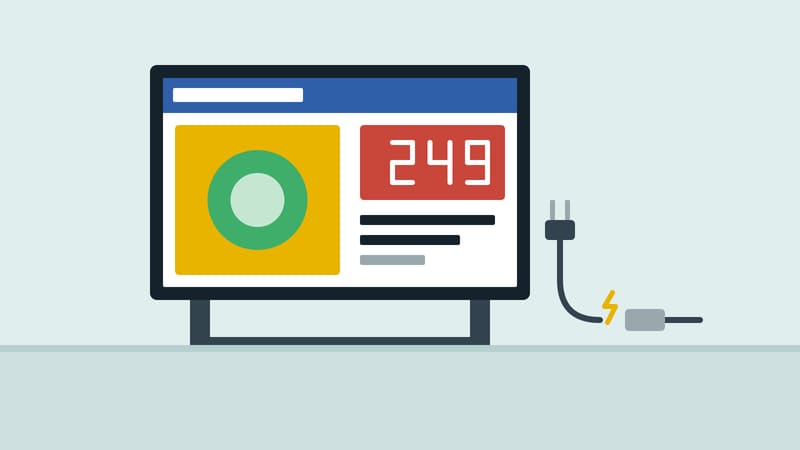
A poster in the shop window is cheap until it has to be changed. Then it costs printing, shipping and someone climbing a ladder. A screen solves that, but it needs a socket, glows into the evening and reflects in sunlight. Between the two lies a technology that retail has so far known mainly from the small price label on the shelf: e-paper.
How e-paper works
An e-paper display emits no light of its own. It reflects ambient light the way printed paper does. The image stays put even when no power flows; the display needs energy only to load and show a new image. In between, the electronics sleep.
Two properties follow that matter in a shop. The sign is easy to read in bright light, because nothing has to outshine the sun. And it fits where a glowing screen would be out of place, such as a quietly styled shop window.
The terms e-paper and e-ink refer to the same technology. E Ink is the name of a well-known manufacturer.
Six colours, not millions
Today's colour displays have six colours: black, white, red, yellow, blue and green. A photo with soft gradients has to be converted for them. In-between tones are built from a fine pattern of the six colours. Designs with clear areas, strong colours and large type therefore look better than a converted product photo.
Three sizes
Kapaso GmbH offers e-paper displays in three sizes and feeds them from its digital signage software, AIO Hub:
- 10 inch, 1600 × 1200 pixels: for shelves, price signs and door signs.
- 13.3 inch, 1600 × 1200 pixels: as a menu, information board or counter sign.
- 31.5 inch, 2560 × 1440 pixels: in place of a poster in the window, or as a wayfinding sign.
The manufacturer quotes for the devices on request.
How a new image reaches the sign
The image is scheduled in the management software as for any other screen, with a date and time. The sign wakes up, fetches whatever is new over Wi-Fi, shows the right image at the planned time and goes back to sleep. Images that have not changed are not downloaded again. If the Wi-Fi cannot be reached, the last content loaded stays on display. The sign is set up through a hotspot of its own, with the access details shown on the display as a QR code.
The software converts images for the six colours before they are sent to the sign.
What it is good for
- weekly offers and price information that change at set times
- shelf notes and department signs
- the window display that used to be a printed poster
- opening hours and notices on the door
What it is not for
E-paper shows still images. Video, scrolling text and animation are not possible, and changing the image takes noticeably longer than on a screen. Anyone who needs movement, for example advertising meant to catch the eye from a distance, should use a screen. Anyone who wants to be read in the dark needs a light source, because the sign does not glow.
The decision
The question is less "screen or e-paper" than "what changes here, and how often?" If a text changes once or twice a day and should sit there calmly, that points to e-paper. If something has to move or change by the minute, it points the other way. Many shops will end up with both side by side.
Details of the displays are at aio-player.de.