Health and public servicesTouch screens
Public touch screens: what they should not open
A touch screen is also a browser. In AIO Hub a blocklist decides which web addresses it does not open, and the limits are stated openly.
Kapaso solution: AIO Hub is made by the publisher of this magazine.
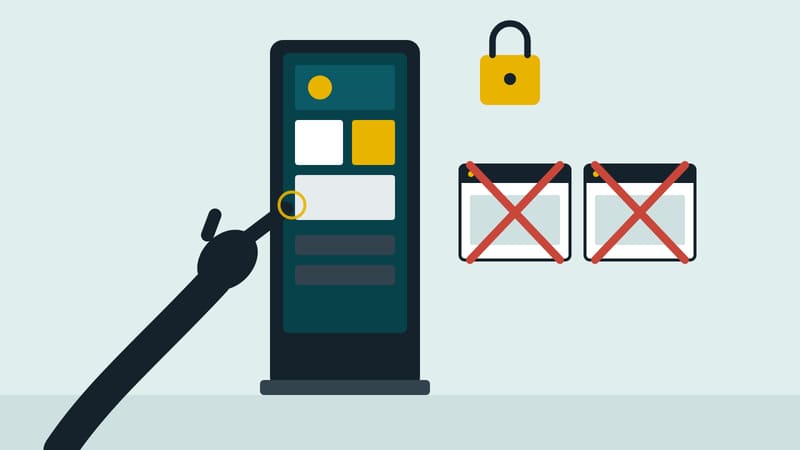
An information screen with touch in an office, a library or a shop invites tapping. If it shows a web page, every link on it can be clicked, and some lead far from the topic. AIO Hub, made by Kapaso, offers blocklists for this: word lists that tell a device which web addresses it does not open.
A list is created under Settings, Player, Blocklists. Terms are typed in word by word, up to 200 per list. Below it there is a test field for a web address: the hub judges there as strictly as the device and shows "would be blocked" with the matching word, or "would be opened". The list only takes effect once it is attached to a device or a player group. A changed list applies the next time the device polls.
The manual itself names two pitfalls: upper and lower case are distinguished, and a very short word blocks more than intended: "ad" also matches an address containing "ads".
The limits belong here too. The block applies only to links clicked on a web page that is already displayed. What the playlist itself calls up always runs; a blocklist therefore does not replace taking an item out of the playlist. The section exists only for devices with the AIO Player app, and the function is enabled per company. Against access to settings and other programs, the app's kiosk mode helps.
A blocklist is an aid, not a guarantee.
Details of the software are at aio-hub.de.